
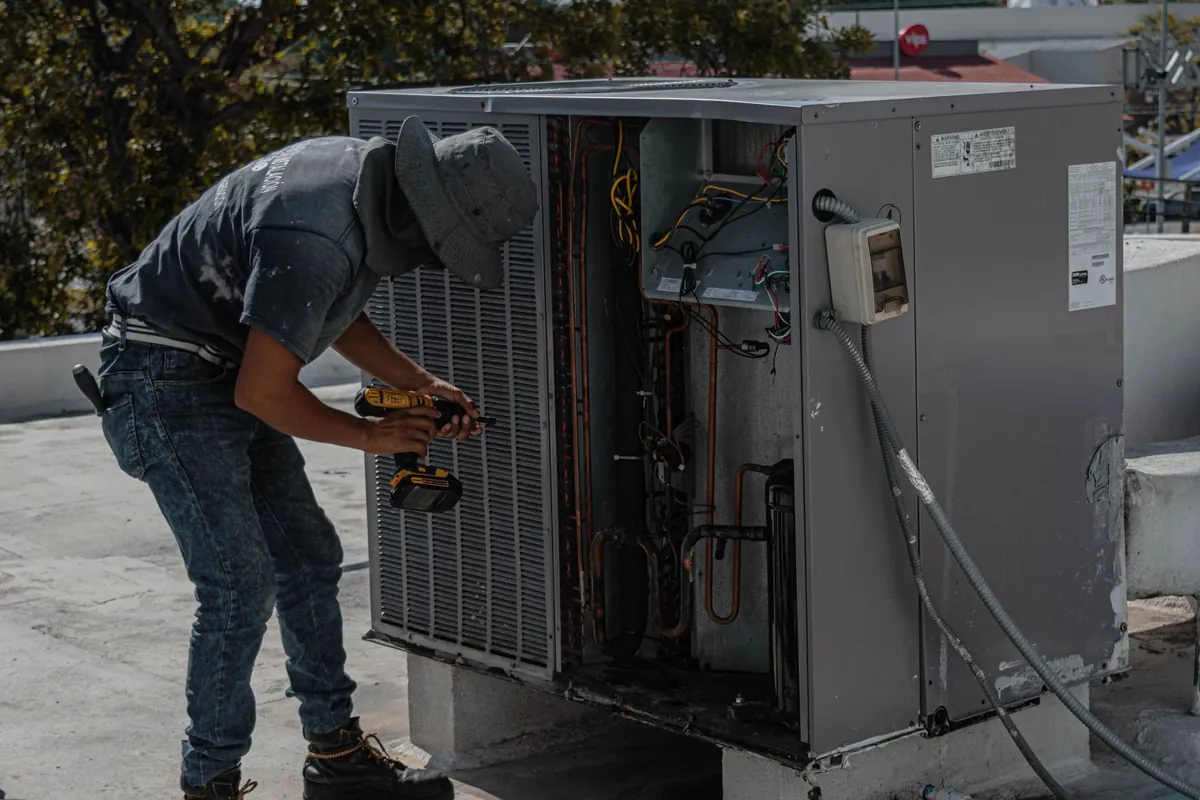
For an HVAC company, a CRM is the record of every customer, every address, and every furnace, heat pump and condenser you have ever installed or repaired there. This guide compares five tools on the jobs that matter most: equipment history per address, agreement and renewal follow-up, chasing quotes that went quiet, and review requests after installs and rescues.
How this guide was made: this comparison is built from each vendor official pricing and feature pages, checked on 31 October 2026, not from hands-on testing. Trial walkthroughs are in progress, and notes will be added here. Some links on this site are affiliate links, so we may earn a commission if you sign up, at no extra cost to you. That never changes a pick. Read our full affiliate disclosure.
Quick verdict
- Best overall CRM for a small HVAC company: Jobber. Client records organised by property with the full job trail at every plan level, and the follow-up automation most shops want once you reach Connect at 99 dollars a month billed annually.
- Best for agreements and reviews: Housecall Pro. Review management is included from the 59 dollar Basic plan, and Recurring Service Plans sit on MAX for agreement sellers.
- Best free starting point: HubSpot Free CRM. A real contact database with follow-up tasks at zero cost, but no equipment records, no scheduling and no invoicing.
- Best for larger companies only: ServiceTitan. The deepest equipment records here, but no published price and a per technician quote.
The five tools at a glance
| Tool and plan | Starting price | Equipment and service history | Follow-up automations | Review requests |
|---|---|---|---|---|
| Jobber Core | 29 dollars a month billed annually, 1 user. 49 dollars month to month | Yes, client record organised by property, with jobs, quotes, invoices, notes and photos | Reminders and quote follow-ups start on Connect, 99 dollars billed annually | Via the paid Reviews add-on |
| Housecall Pro Basic | 59 dollars a month billed annually, 1 user. 79 dollars monthly | Yes, customer record with property notes, entry instructions and service history per address | Reminders included, deeper automation on Essentials and MAX | Review management included from Basic |
| Workiz Standard | No published price, quote from Workiz. 7 day free trial | Yes, client management with job history | 5 automations on Standard, 10 on Pro, 30 on Ultimate | Through the Genius Marketing add-on |
| ServiceTitan | No published price, per technician quote only | Yes, the deepest records here, including equipment history | Yes, built for office run follow-up | Yes, inside its marketing toolset |
| HubSpot Free CRM | Free, up to 2 users and 1,000 contacts | Contact records and notes only, no equipment or service history | Follow-up tasks and email built in, automation mostly paid | No built-in review requests |
Jobber: the most complete client record at this size
Jobber treats the client record as the centre of the business, organised by property. Each client carries contact details, one or more properties, and the full trail of requests, quotes, jobs, invoices and payments, with notes and photos. That property record is where the crew logs what the next visit depends on: unit age, tonnage, refrigerant type, install date and the warranty note from the last replacement. The client hub lets customers approve quotes and pay invoices without calling you.
The catch is where the automation sits. Core gives you the records, the hub and the calendar. Automated reminders and quote follow-ups start on Connect, at 99 dollars a month billed annually for one user, and that follow-up revives the replacement quote the homeowner declined in spring when the first heatwave lands. Review requests run through the paid Reviews add-on, not any plan. Card payments cost 2.9 percent plus 30 cents, bank payments 1 percent.
Best for: an HVAC company of 1 to 10 techs that wants one system for records, scheduling, quoting and invoicing. Skip it if: you want review requests and reminder automation on the cheapest plan, because that is not on Core.
Housecall Pro: the equipment record, with reviews included early
Housecall Pro builds a customer record for every client, holding the property notes, entry instructions and service history for each address, so a tech on a no-cool call can see the condenser install from three summers ago. The standout is that review management sits in the Basic plan, so the request goes out right after an install or a same night rescue, with no top tier or add-on needed.
Basic costs 59 dollars a month billed annually for one user, or 79 dollars month to month, and covers scheduling, invoicing and online booking. Essentials, at 149 dollars a month billed annually for 5 users, adds checklist automations and QuickBooks Online sync. Recurring Service Plans, the packaged maintenance agreement, sit on MAX at 299 dollars a month billed annually for 8 users, the honest price of an agreement-led shop here. Card processing starts at 2.59 percent, bank payments 1 percent. The trade-off against Jobber is the entry price: 59 against 29 dollars for a solo tech who mainly needs the record.
Best for: companies that sell maintenance agreements and win work on Google reviews. Skip it if: you are solo and price sensitive, because the starting tier costs double the Jobber entry point.
Workiz: capable records, automation counted out, price hidden
Workiz is a field service platform with client management built in: custom fields, a built-in phone system with call tracking and recording, and a counted number of automations, 5 on Standard, 10 on Pro and 30 on Ultimate. Service plans sit on Ultimate. A 7 day free trial is offered with no credit card.
The catch is the one that matters most in a buying guide: Workiz does not publish its plan prices. The official pricing page shows the three tiers and their features and routes you to request pricing, so there is no list price to verify before a sales conversation. Review work is also pushed into the Genius Marketing add-on rather than the core plans. Jobber and Housecall Pro both show their numbers up front.
Best for: a dispatch heavy company that wants its phone system and records in one place. Skip it if: you want to compare real prices before talking to sales.
ServiceTitan: the deepest CRM here, priced for bigger companies
ServiceTitan is the heavyweight. Its customer records are built for companies with a call centre: full service and equipment history per property, call recording tied to the customer, and marketing tools that track where every booked job came from. For a company running several crews, this is the strongest record-keeping of the five, and it is not close.
The catch is total. ServiceTitan publishes no prices at all. Its pricing page lists three packages, Starter, Essentials and The Works, and every one is priced per technician through a sales quote. There is no self-serve trial to check the fit yourself. It is a product aimed at a bigger business than this guide is for.
Best for: established companies with dispatchers and multiple crews. Skip it if: you are a small crew, because the records you need are available elsewhere at a published price.
HubSpot Free CRM: the free contact book, with clear limits
HubSpot is the odd one out, a general CRM rather than field service software, and it earns its place for one reason: it is genuinely free. The free tier allows up to 2 users and 1,000 contacts, and includes contact records, a deal pipeline for tracking bigger quotes, follow-up tasks and email tools. For a solo tech keeping a spreadsheet of past customers, this is a real upgrade at zero dollars, and agreement renewal dates can live here as follow-up tasks.
The limits are just as clear. HubSpot knows nothing about equipment or jobs. There is no scheduling, no dispatch, no invoicing built for trades, and no service record per address, so the equipment history has to be typed into notes by hand and kept current by hand. Review requests are not built in. HubSpot Starter, the first paid step, is listed at 20 dollars a month per seat. Treat HubSpot as a free follow-up notebook beside your job software, not the system your business runs on.
Best for: a solo tech or very small shop that wants an organised customer list and follow-up reminders for free. Skip it if: you need equipment history, scheduling and invoices in the same record, which is most working HVAC companies.
Which one fits your size
Solo tech. Start with Jobber Core at 29 dollars a month billed annually for the equipment record, scheduling and invoicing together, and accept that automatic follow-ups wait for Connect. If money binds, run HubSpot Free for the list and renewal tasks, and move when it hurts.
Growing shop, 2 to 5 techs. Pick Jobber Connect, from 99 dollars a month billed annually for one user, when quote follow-ups and tune-up reminders are the point. Pick Housecall Pro Essentials, at 149 dollars a month billed annually for 5 users, when reviews and the per-address record pull in work.
Agreement-led shop. Housecall Pro MAX, at 299 dollars a month billed annually for 8 users, is the pick when agreements are the growth plan, because Recurring Service Plans live there and review management has run since Basic. Jobber holds up too, running agreements as recurring jobs, but the packaged agreement is the Housecall Pro feature.
When a plain CRM stops being enough. A standalone CRM holds contacts and tasks. It does not hold the install date against the address, send the tune-up reminder, renew the agreement or invoice the visit. Once those jobs run your week, the CRM inside Jobber or Housecall Pro should replace it, not sit beside it. ServiceTitan enters only at the top of this band, with office staff to run it.
Honest limits of this guide
- This comparison is based on official vendor pricing and feature pages checked on 31 October 2026. Our free trial walkthroughs are still in progress, and hands-on notes will be added when they are done.
- Workiz and ServiceTitan publish no prices, so no figure in this guide for either tool is a verified price. Any number you see elsewhere for them is a quote given to someone else.
- In Jobber and Housecall Pro, equipment detail like unit age, tonnage and refrigerant lives in per-address notes and job history, not a separate equipment register, so what gets recorded depends on your crew filling it in.
- Jobber showed promotional introductory pricing on its pricing page on the check date. This guide uses standard list prices throughout.
- Plan gating changes often in this category, so recheck the vendor page before you buy. All five tools are built mainly for the US and Canadian market, and calling and texting features vary by country.
Frequently asked questions
What CRM do most small HVAC companies use?
Most small HVAC companies do not run a standalone CRM at all. They use the customer records built into their field service software, most often Jobber or Housecall Pro, because the equipment history then sits next to the schedule, the agreements and the invoices.
How much does a CRM for an HVAC company cost?
Prices run from free to quote only. HubSpot Free CRM costs nothing for up to 2 users and 1,000 contacts. Jobber Core starts at 29 dollars a month billed annually for one user, and Housecall Pro Basic starts at 59 dollars a month billed annually. Workiz and ServiceTitan publish no prices and quote per business.
Which CRM keeps equipment history for each address?
Both keep a record for each address. Housecall Pro holds property notes, entry instructions and service history in the customer record. Jobber organises the record by property, with quotes, jobs, invoices, notes and photos, where the crew logs unit age, tonnage and refrigerant. ServiceTitan is deepest, but quote only.
Is a free CRM like HubSpot enough for an HVAC company?
As a contact book and follow-up notebook, yes, at first. HubSpot Free holds contacts, notes and tasks at no cost. But it keeps no equipment records, scheduling, invoicing or agreement tracking, so once agreements and repeat visits run the business, the CRM built into Jobber or Housecall Pro should replace it, not sit beside it.
Prices and plan features verified on vendor official pages on 31 October 2026. Standard list prices are used throughout, not introductory promotions.
Related reading: our HVAC software guides hub collects every guide for this trade, the best software for HVAC companies guide judges the full field, our Jobber vs Housecall Pro for HVAC companies comparison scores the top two head to head, and the Jobber and Housecall Pro pricing breakdowns price out every tier.