
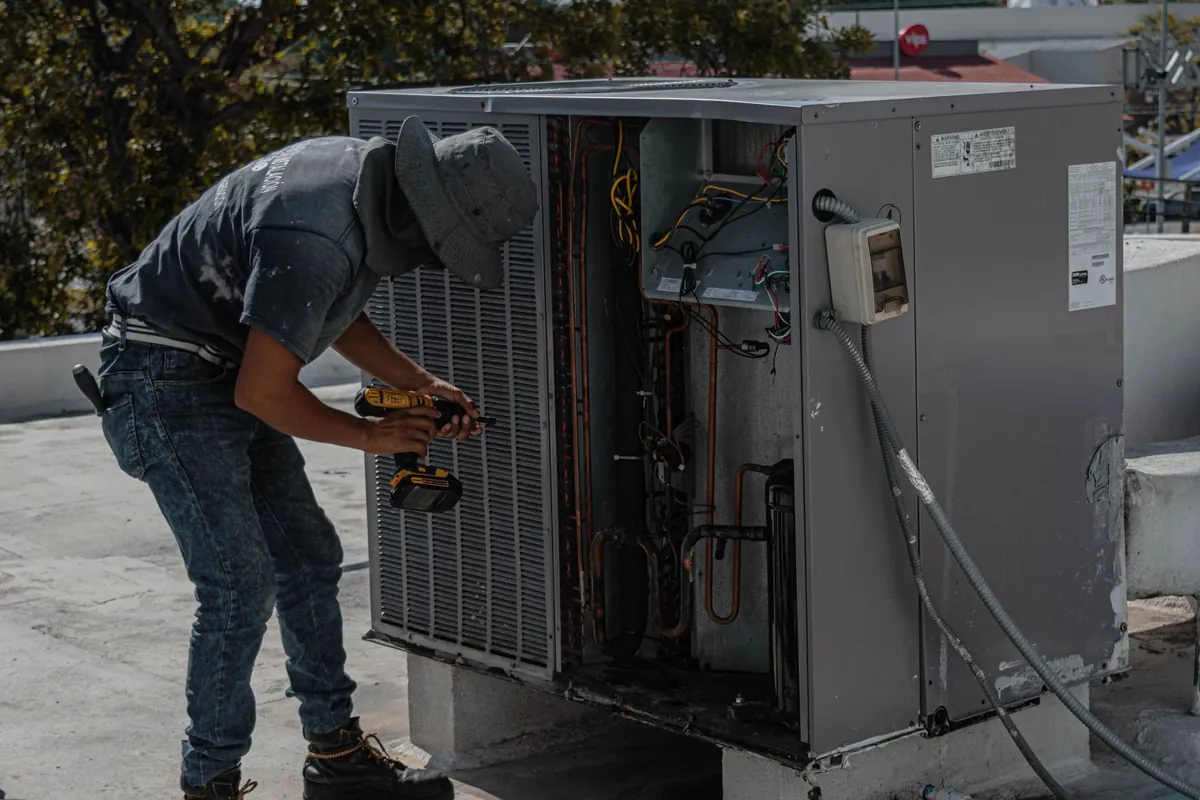
Appliance repair scheduling is a two-visit problem wearing a one-visit disguise. The first visit is the diagnosis, often fitted between other calls. Then the job stops. A part is ordered, the customer waits with a dead fridge, and the second visit only exists once the part lands. The calendar has to hold that job open across days without losing it, turn the part arriving into a rebooked visit, give the customer an honest window, and still group the day by area so a tech is not crossing town between calls. None of the tools here is appliance repair scheduling software: they are general tools, judged on how their plans handle a diary of half-finished jobs.
Quick verdict
- Best printed all-rounder for the two-visit diary: Jobber. Quoting is on every plan from Core at $29 a month on annual prepaid for 1 user, and automated reminders start at Connect.
- Best printed route order: Housecall Pro. Routes and GPS arrive on Essentials at $149 a month billed annually for 5 users, and route optimisation sits on MAX, with card processing from 2.59 percent.
- Best parts awareness in the schedule: Workiz. Inventory is named on Ultimate, the only parts feature here, alongside multi-day jobs. The catch: Workiz publishes no prices.
- Best named dispatch board: ServiceTitan. A drag-and-drop dispatch board and GPS tracking are named on its pricing page, across Starter, Essentials and The Works. The catch: it also publishes no prices, and is sold through its sales process.
- The honest frame: none of these four names a parts-waiting job status or model and serial capture, and two of the four publish no prices at all. Those gaps are trial questions below.
What appliance repair scheduling actually demands
Start with the gap in the middle of the job. A diagnosis visit ends with a promise and a part number, and everything after that depends on memory unless the software carries it: which machine, which fault, which part, and which customer gets called the morning it arrives. A calendar that only knows finished appointments will quietly drop that job. Holding a job open, with its history attached, is the first test here.
The second test is the day itself. Repair calls are short stops scattered across a town, and the order they are run in decides how many fit, because five twenty-minute calls can sit in five different postcodes. The third test is the customer window: a household arranging its day around a visit wants a realistic slot and a message when the tech is actually coming. Warranty and repeat calls cut across all of it, arriving unplanned and needing to land on the same job record, not a fresh one. Where a pricing page names none of those, this guide says so.
The four tools at a glance
The spread is wide: two platforms with printed tiers, one phone-first tool with no published prices, and one enterprise platform priced by quote.
| Tool | Entry price | What carries the appliance repair schedule | Free trial |
|---|---|---|---|
| Jobber | Core, $29 a month on annual prepaid for 1 user ($49 with no commitment) | Quoting on every plan. Automated reminders from Connect. Cards at 2.9 percent plus 30 cents online, ACH at 1 percent | 14 days, runs on Grow, no card |
| Housecall Pro | Basic, $59 a month billed annually or $79 billed monthly for 1 user | Routes and GPS on Essentials, route optimisation on MAX. Online booking from the website and Google. Card processing from 2.59 percent, bank payments 1 percent | 14 days, no card |
| Workiz | No published prices at any tier | Built-in phone system on all plans. Standard 5 automations, Pro 10, Ultimate 30, with inventory, flat rate pricing and multi-day jobs on Ultimate | 7 days, no card, per its official FAQ |
| ServiceTitan | No published prices, priced per technician by quote | Drag-and-drop dispatch board and GPS tracking named on the page. Three packages, Pro add-ons sold separately | Sold through its sales process |
Our Jobber pricing guide breaks down that tool’s tiers in full, and our Housecall Pro pricing guide does the same for its plans.
Jobber: the return visit runs on reminders
Jobber leads this guide because the two-visit job lives or dies on follow-through, and its printed tiers put the follow-through tools in named places. Quoting runs on every plan, with templates, signature approval and optional add-on line items, so the diagnosis visit can end with an approved price before the part is ordered. The plans are printed clearly: Core at $49 a month with no commitment, $39 on a one year term billed monthly and $29 on annual prepaid, all for 1 user, Connect from $139, $119 and $99 up to $399, $339 and $299 at 15 users, and Grow from $199, $169 and $149 up to $499, $429 and $399 at 15 users. Payment is published too: cards at 2.9 percent plus 30 cents online, ACH at 1 percent.
The tier line that matters for scheduling sits between Core and Connect. Automated reminders and quote follow-ups start at Connect, and in a two-visit trade those are not courtesies, they are the mechanism that gets the second visit booked and kept. On Core, that chasing is done by hand, job by job. Review requests run through a paid Reviews add-on whose price is not published. What the pages do not name matters too: no parts-waiting status, and no description of how a held job keeps its place. The 14-day trial runs on Grow and needs no card: park one job at the diagnosis stage and see whether the record brings it back to you when its part arrives, or you have to go looking for it.
Housecall Pro: routes and GPS do the heavy lifting
Housecall Pro makes the strongest printed case on the shape of the day itself. Routes and GPS tracking arrive on Essentials, so the office sees where each tech is against a diary of short stops, and route optimisation sits on MAX, reordering scattered calls into a saner driving order. For a trade where the stops are brief and the distances are not, that feature has a daily cash value. The tiers are Basic at $79 a month billed monthly or $59 billed annually for 1 user, Essentials at $189 or $149 for 5 users, and MAX at $329 or $299 for 8 users, with extra users on MAX at $35 a month. Online booking from your website and from Google Search and Maps feeds new calls onto the same board.
Two more published details frame the fit. Recurring Service Plans sit on MAX only, and review management is included inside Basic. Card processing starts from 2.59 percent with bank payments at 1 percent, the lowest printed card figure in this guide. What the pages do not describe is the parts gap: nothing names a waiting-on-parts status or a way to pin the return visit to the part arriving. The 14-day trial needs no card: build one real day of mixed calls, one return visit included, and judge the route order it gives you against the order your best tech would choose.
Workiz: inventory is the parts piece of the schedule
Workiz is the only tool here that names the thing the two-visit job revolves around. Inventory sits on Ultimate, and while its pricing page does not describe it as a parts-waiting workflow, it is the one named feature that connects what is on the shelf to what is on the calendar. The same tier adds multi-day jobs, the closest any page here comes to naming a job that spans the diagnosis, the wait and the return. A built-in phone system runs on every plan. The tiers are counted partly in automations: Standard carries 5, Pro carries 10 and adds Genius scheduling and custom reports, and Ultimate carries 30 and adds service plans, inventory, flat rate pricing and multi-day jobs.
The honest problem with Workiz is the absence of a price. Workiz publishes no dollar prices at any tier and no card processing rate, so the tier carrying the parts story cannot be priced until a quote. Nor does the page describe how inventory and the schedule talk to each other: whether a part arriving moves a job, flags a job or does neither is what a trial has to answer. The 7-day trial needs no card, per its official FAQ. Go in with the two-visit test ready: diagnose, hold, receive the part, and watch what the calendar does next. Our Workiz pricing guide sets out what the vendor does and does not publish.
ServiceTitan: the enterprise dispatch board
ServiceTitan enters this guide on the strength of one named feature: a drag-and-drop dispatch board, with GPS tracking named beside it on its pricing page. For a larger company, the board is the schedule in a way a list never is: the whole day visible at once, jobs moved between techs by hand. It sells three packages, Starter, Essentials and The Works, priced per technician by quote, and its Pro add-ons, Marketing Pro, Pricebook Pro and Dispatch Pro, are sold separately on top.
On price, there is nothing to print. ServiceTitan publishes no prices anywhere on its pricing page, rechecked in November 2026 with zero dollar figures found, so any per-technician number from a third-party site is not a fact this guide will repeat. There is also no verified free trial fact: it is sold through its sales process, and a buyer learns the cost in that conversation. On scheduling, the page names the board and the tracking and stops there: no parts-waiting status, no model and serial capture, no description of how a held job behaves. A large company should still take the meeting, because dispatch depth at scale is what the other three describe least, but it should walk in knowing the deciding answers are not on the page. Our ServiceTitan pricing guide covers that sales process.
Which one fits a solo tech running diagnostics and repairs alone
Jobber, priced honestly at the tier that does the chasing. Core at $29 a month on annual prepaid carries quoting and the calendar for one tech, and if your held jobs are few enough to hold in your head, that may be enough. The moment the parts shelf holds five open jobs, Connect earns its step up, because automated reminders turn a landed part into a booked return visit. Judge the trial on one view: can the system show you, at a glance, every job waiting on a part and how long each has waited.
Which one fits a growing shop with parts delays every week
This shop lives inside the gap the tools describe least, so the trial questions matter more than the verdict. Workiz is the only tool naming inventory, on Ultimate, and the only one naming multi-day jobs, which makes it the first trial to run: does the part arriving change anything in the schedule, or is the connection manual. Housecall Pro answers with route order once the visits exist, and Jobber answers with follow-ups from Connect. Run the same bad week through two of them: six diagnoses, three late parts, one warranty callback, and count how many jobs each system surfaces on its own each morning. Our appliance repair software roundup covers the wider field beyond the calendar.
Which one fits a multi-tech company living on dispatch order
Dispatch is the product at this size, and the named features split cleanly. Housecall Pro prints routes and GPS on Essentials and route optimisation on MAX, the fullest printed dispatch story here. ServiceTitan names the drag-and-drop board and GPS tracking, behind a per-technician quote. Workiz puts Genius scheduling on Pro, behind no published price at all. What none of the pages describes is the reshuffle: a tech calls in sick at 7 a.m. and twelve short stops, two of them return visits with parts on the van, need a new order. That hour is the trial. Our dispatch software guide is the companion read.
Which one fits a large service company comparing enterprise boards
ServiceTitan is the name built for this conversation, and the comparison should be run as a sales process, not a web search: three packages, per-technician pricing, Pro add-ons priced separately, and a board you can only judge with your own job mix loaded in. Bring the two-visit problem into that room explicitly, because the pricing page does not answer it: how does a job waiting on a part appear on the board, and what happens on the morning the part lands. If the answers are strong, judge the quote against Housecall Pro MAX and Workiz Ultimate. If they are vague, the printed tools above carry more of the answer in public.
Honest limits of this guide
- This guide is based on the vendors official pricing pages, checked on 1 November 2026. Our trial testing is still to come, and the guide will be updated with hands-on findings.
- None of the four tools is appliance repair specific scheduling software. None presents itself that way on its pricing page, and none publishes appliance-specific scheduling features.
- None of the four names a parts-waiting job status or model and serial capture on its pricing page. Workiz names inventory only on Ultimate, undescribed as a parts-waiting workflow. That is a statement about the pages checked, not proof of what the products hold.
- Whether a held job keeps its place and history together until the return visit is described by none of the four, so it belongs on every trial checklist.
- Customer window notifications beyond the named reminders are described in depth by none of them.
- Workiz and ServiceTitan publish no prices at all, and ServiceTitan has no verified free trial fact, so their costs show only inside a quote or sales conversation.
- An unnamed feature is not the same as a missing feature. Where this guide says a page names no parts status or serial capture, the page names none, and a trial is how you find out.
- Prices quoted are list prices before tax. Vendors here run introductory promotions, so the price offered to you today may be lower at first.
Frequently asked questions
What is the best scheduling software for an appliance repair business?
It depends on where the calendar breaks. Jobber is the strongest printed all-rounder, with quoting on every plan from Core at 29 dollars a month on annual prepaid and automated reminders from Connect. Housecall Pro adds routes and GPS on Essentials and route optimisation on MAX. Workiz names inventory on Ultimate, the parts piece of the schedule, but publishes no prices, and ServiceTitan names a drag-and-drop dispatch board, also with no published prices.
Can these tools hold a job open while a part is on order?
None of the four names a parts-waiting job status on the pricing pages we checked. Workiz names multi-day jobs and inventory on Ultimate, which point toward the diagnose, order, return pattern, but whether a held job keeps its place and history together until the part lands is a trial question, not a confirmed feature.
How much does scheduling software for an appliance repair business cost?
Printed entry prices run from Jobber Core at 29 dollars a month on annual prepaid for 1 user, through Housecall Pro Basic at 59 dollars a month billed annually. Workiz and ServiceTitan publish no prices at all, so their cost appears only in a quote or sales conversation. Card fees sit on top where published: Jobber charges 2.9 percent plus 30 cents online, and Housecall Pro starts from 2.59 percent.
Do any of these tools capture appliance model and serial numbers for the schedule?
None of the four names model and serial capture on the pricing pages we checked, and none names a parts-waiting status tying the return visit to the first visit. Workiz names inventory only on Ultimate, without describing it as model and serial tracking. What each job record holds between the two visits is a trial question.
Prices and plan details verified on the official pricing pages of Jobber, Housecall Pro, Workiz and ServiceTitan on 1 November 2026. Standard list prices are used throughout, not introductory promotions.
Related reading: our appliance repair software roundup covers the same tools on the whole job, our Workiz pricing guide covers what that vendor does and does not publish, our ServiceTitan pricing guide explains the quote-only model, and our dispatch software guide compares the tools on dispatch.